Rebuilding My Blog From the Ground Up
Leaving Ghost for Astro and Cloudflare Pages: owning my blog stack
My blog ran on Ghost for years and felt fast enough. Then I rebuilt it with Astro and Cloudflare Pages.
Page load dropped from about one second to under 300 ms, the stack cost went to zero, and I finally owned every part of the experience.
This is why I left Ghost and rebuilt the blog from the ground up.
Why I Left Ghost
Ghost is a great product. If you want a managed blogging platform with a clean editor and built-in newsletter support, it does the job well.
My reasons for leaving were not about quality. They were about control and fit.
Since my goal this year is to start publishing weekly, I wanted my blog to feel completely mine: faster, simpler, and shaped exactly to my preferences. Ghost did not allow the level of customization I wanted without workarounds.
The bigger issue was scope. Ghost Pro is not cheap, and self-hosting Ghost means running a server, a database, and ongoing upgrades. For a personal blog with one post a week, that stack felt like overkill.
I expected the newsletter to be the hardest part to replace. It turned out not to be.
Choosing the Stack
I did not spend weeks evaluating frameworks, like I would in the past. The decision was pretty simple.
Lately I heard a lot about Astro and I wanted to try it out. It ships hardly any Javascript by default, supports Markdown and MDX natively, and gives you full control over the output. No hydration overhead, no client-side routing unless you explicitly opt in. Just HTML and CSS.
Cloudflare Pages for hosting. Free tier, global CDN, automatic deployments using GitHub Actions. The site builds in seconds and deploys to edge locations worldwide. No servers to manage, no bills to worry about.
Markdown files instead of a database. Like we all know, lately everything has been about Markdown files, so why not put every post in a Markdown file in a Git repository. I can make changes to it in any editor, preview locally, and publish by pushing to main. Version history comes for free.
For my newsletter, with the full 12 subscribers, I first thought to not include it anymore. But then I found Kit, 10 000 subscribers for free. Perfect for my use case.
The entire stack costs me nothing beyond the domain name, and my time of course.
Performance Results
The page load numbers are the clearest win.
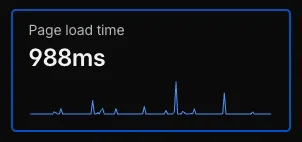
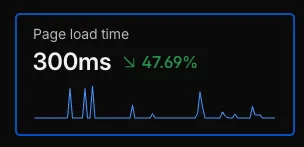
In real usage the Ghost site felt reasonably fast, around one second to visible content. However, Lighthouse mobile simulation revealed much heavier rendering costs, especially LCP. The Astro rebuild reduces both perceived and measured performance costs.
The architecture shift from dynamic rendering to static edge delivery shows up clearly in performance metrics.
Lighthouse snapshot (single run, mobile emulation, default throttling).
Here is a Lighthouse snapshot (single run, mobile emulation) comparing the old Ghost site with the new Astro build:
| Metric | Ghost (before) | Astro (after) |
|---|---|---|
| Performance score | 63 | 77 |
| Accessibility score | 80 | 100 |
| Best Practices score | 81 | 100 |
| SEO score | 100 | 100 |
| FCP | 2,597 ms | 1,049 ms |
| LCP | 23,758 ms | 4,792 ms |
| Speed Index | 7,857 ms | 1,296 ms |
| Total page weight | 7.71 MB | 0.42 MB |
| Requests | 36 | 28 |
The largest improvements come from removing heavy images and client-side scripts. Total page weight dropped by over 18x, which directly improved Speed Index and LCP.
Design + UX Updates
The better question would be, what did not change. Well, the content.
The homepage moved from a stock template to a focused, branded entry point with clear hierarchy and fewer distractions.
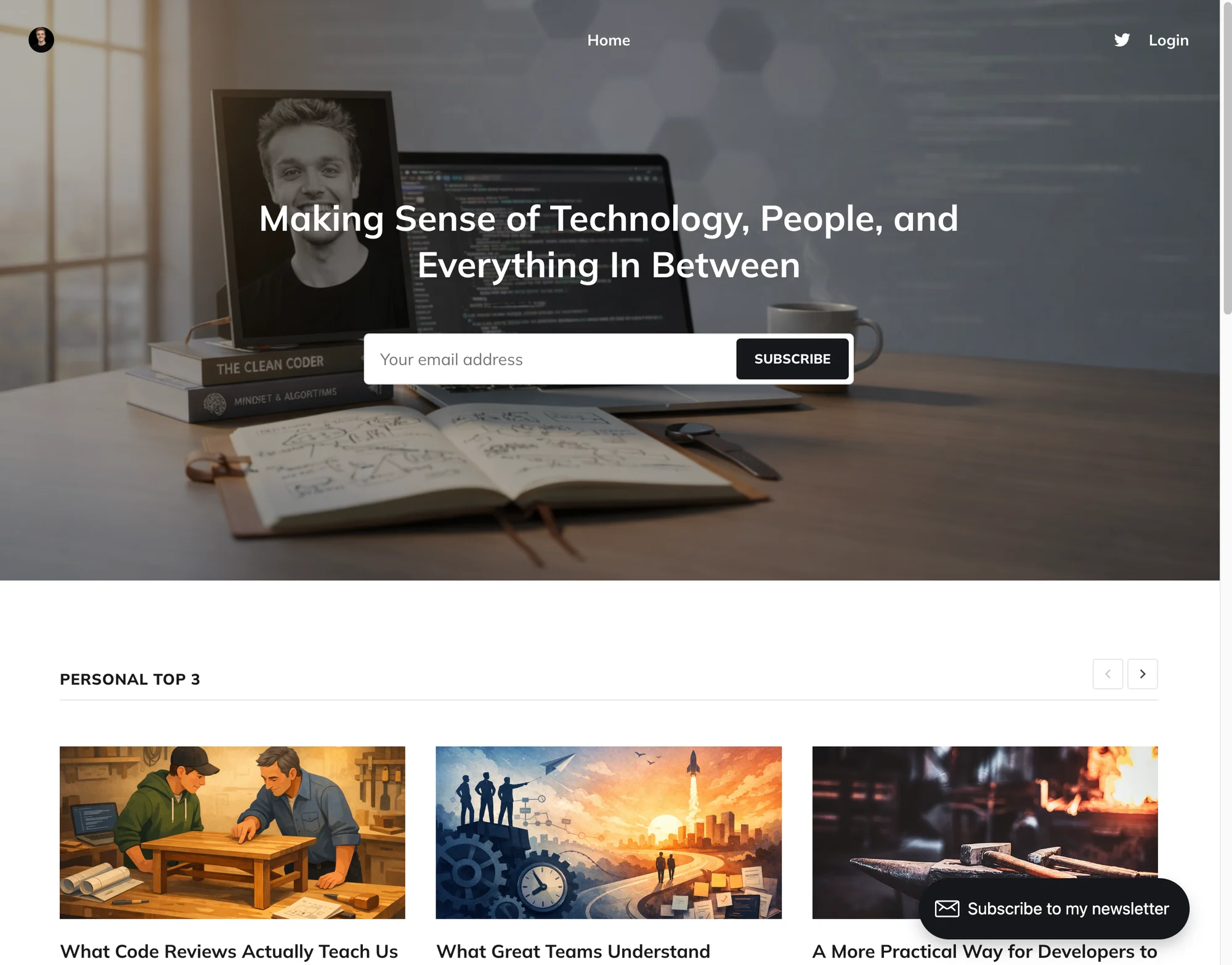
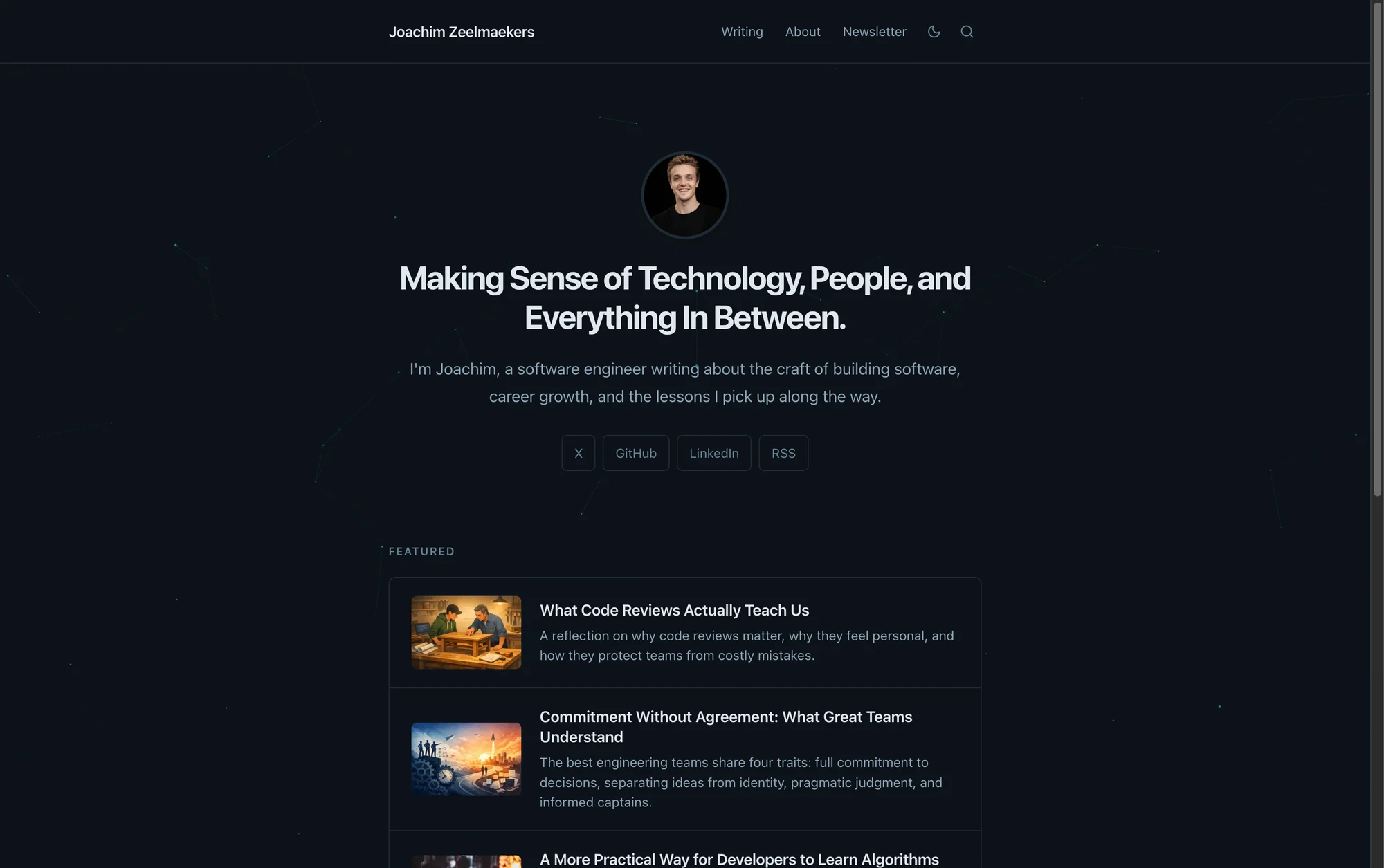
Beyond speed, the design is entirely mine. The goal was a calmer, more intentional experience with room to grow. I can now iterate quickly and add new features without fighting the platform.
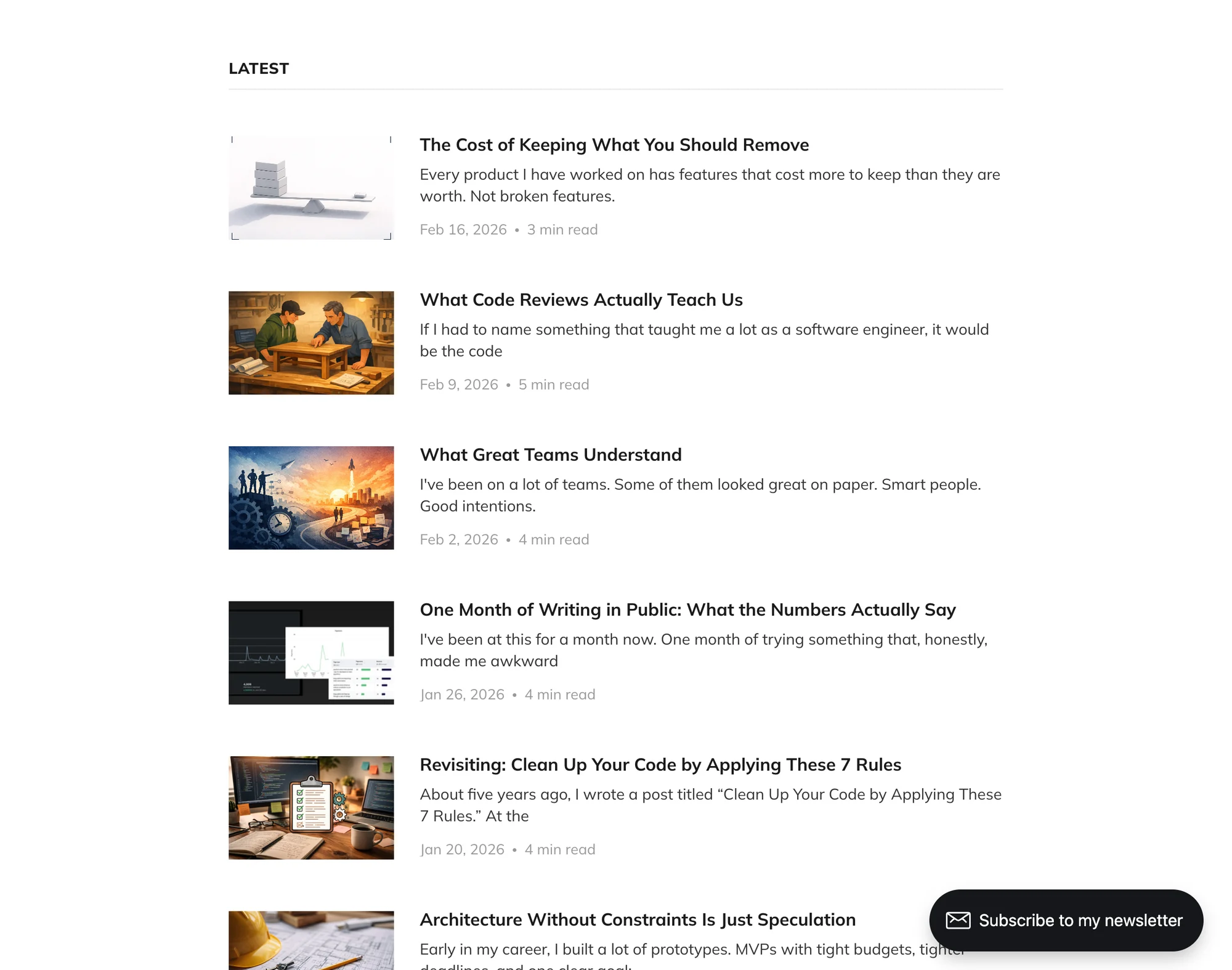
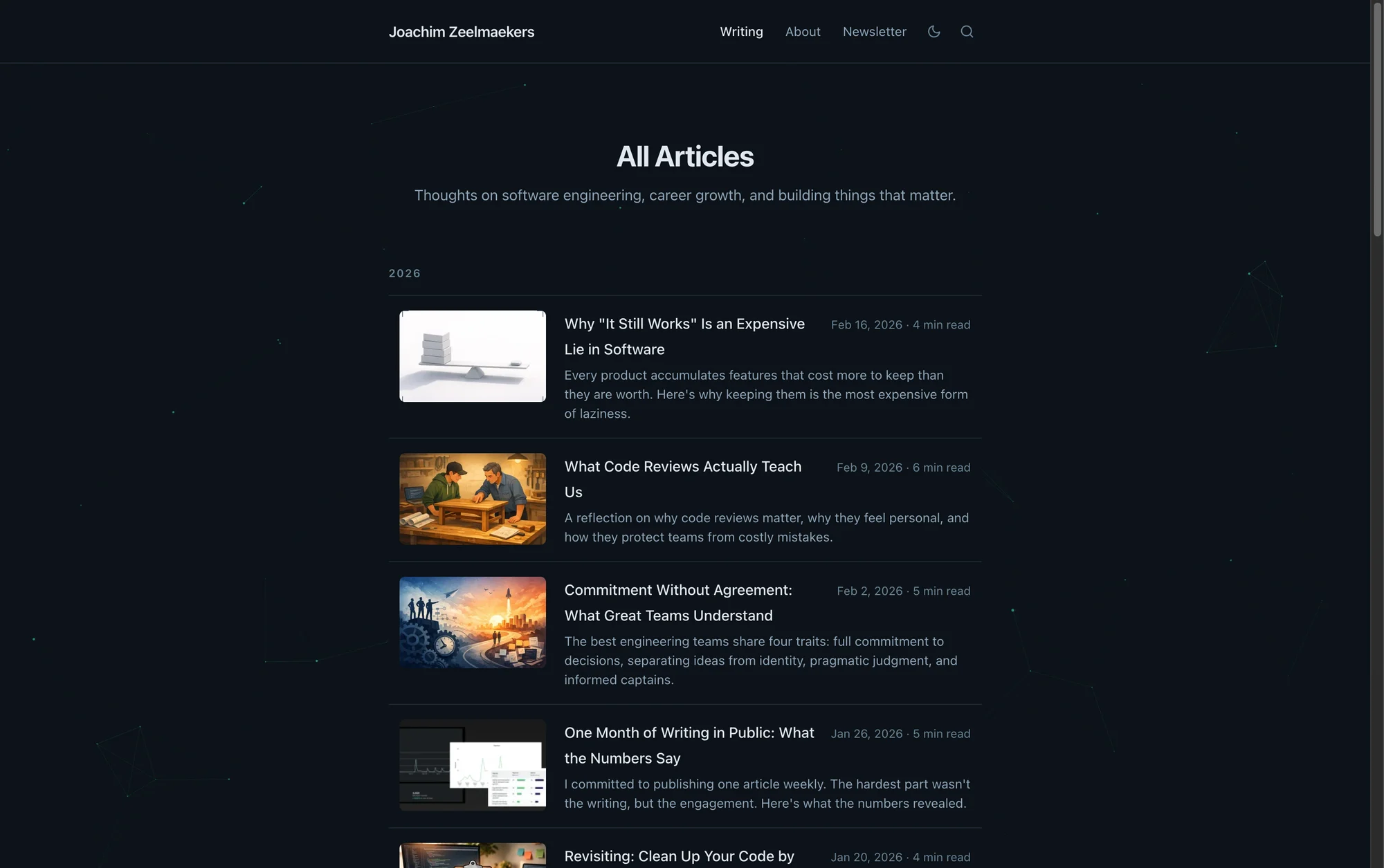
The new list view trades heavy thumbnails and whitespace for tighter hierarchy and faster scanning. Smaller images, consistent metadata, and clearer contrast mean you can find a post at a glance without hunting for it.
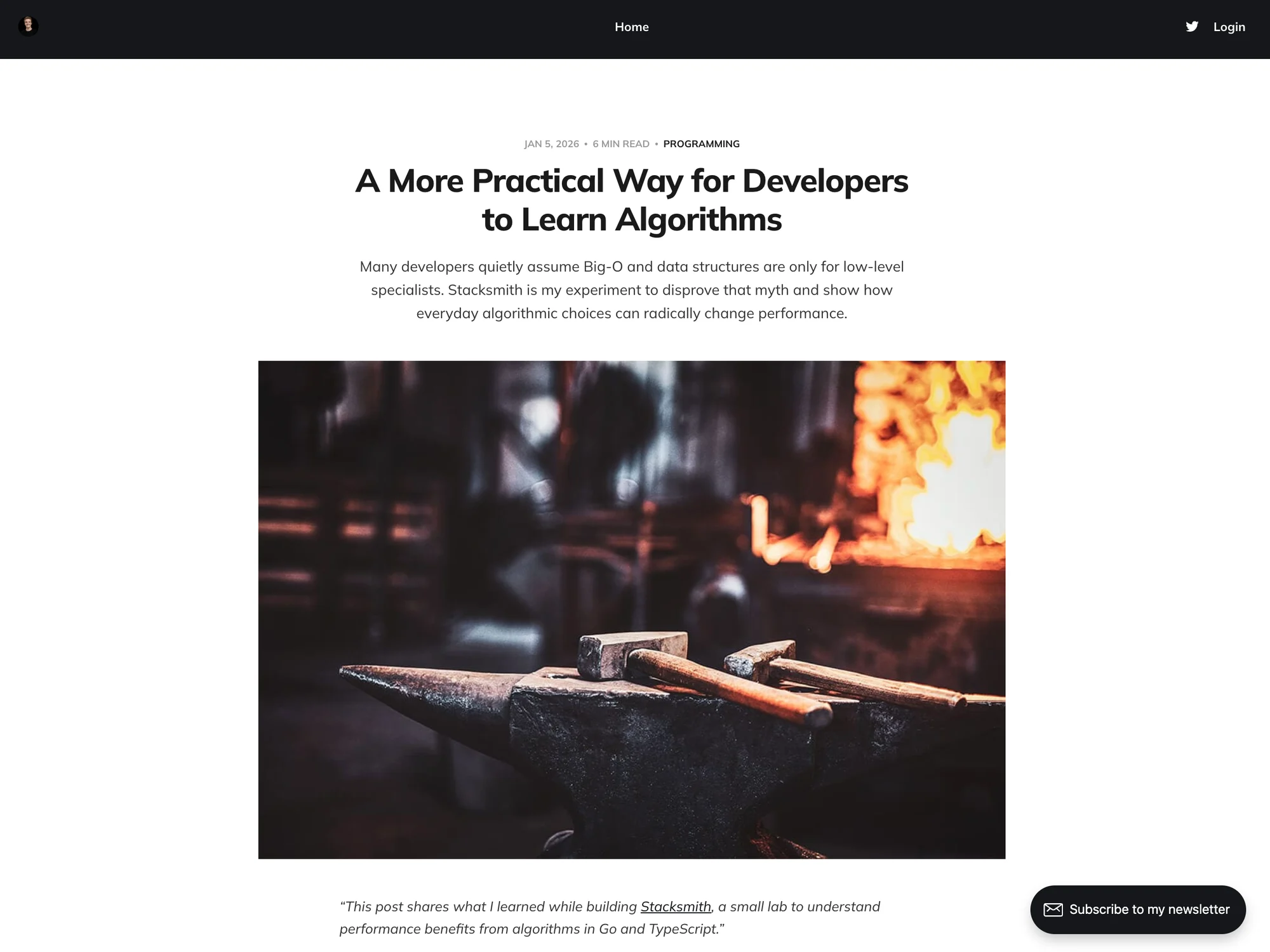
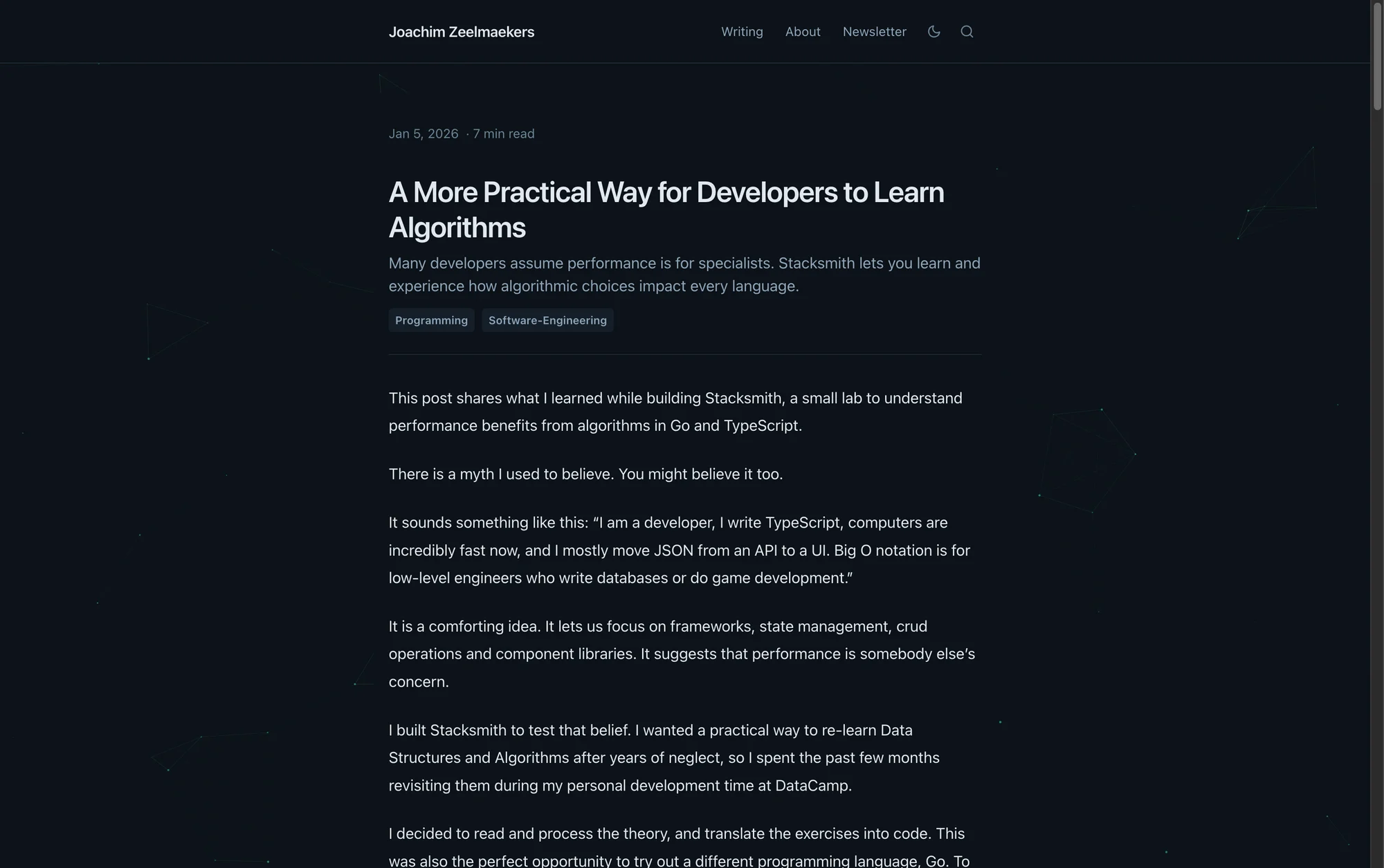
The reading view moves from a template-heavy page to a focused editorial layout. Better line length, calmer typography, and fewer competing elements keep attention on the text and reduce cognitive load.
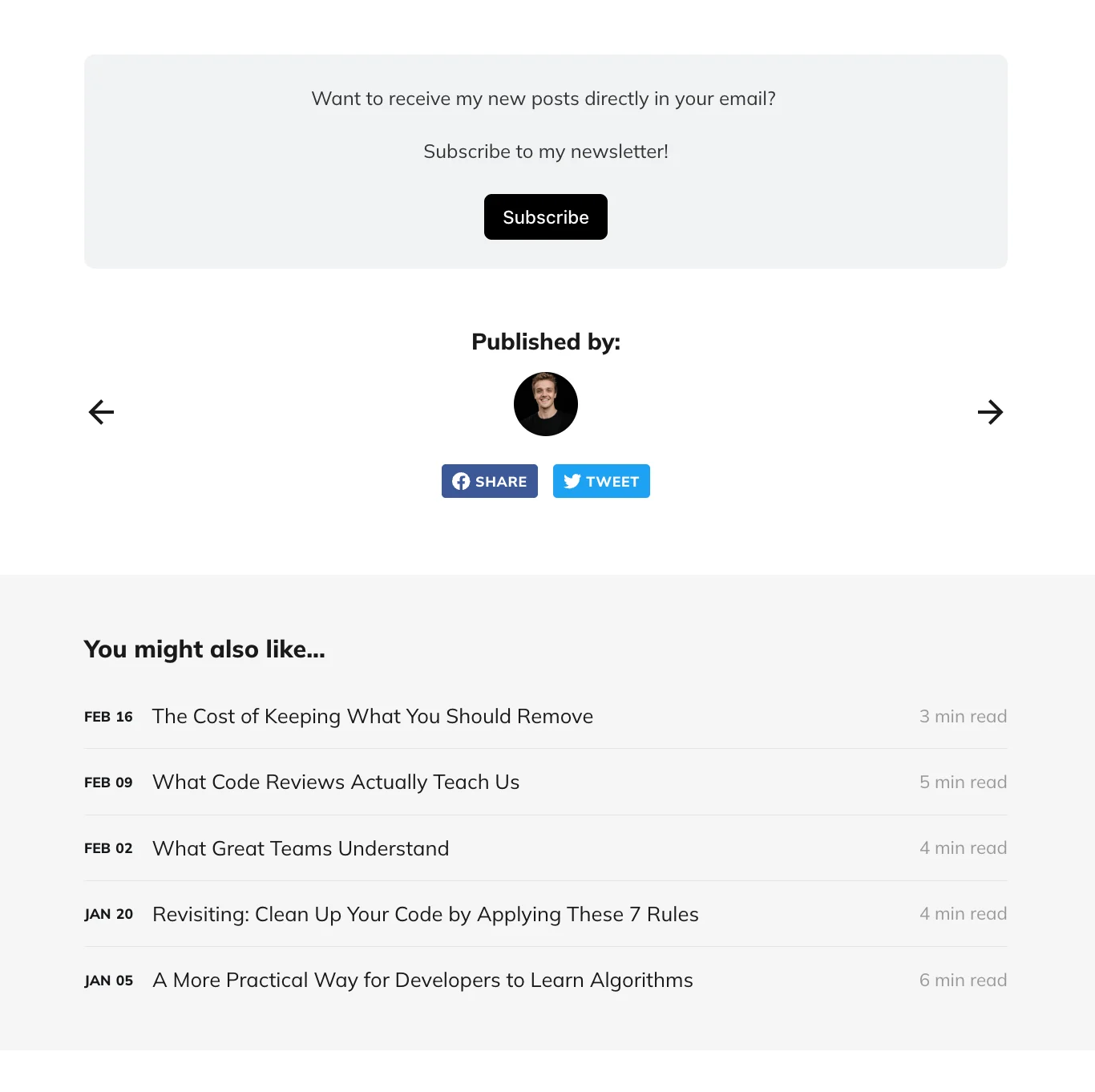
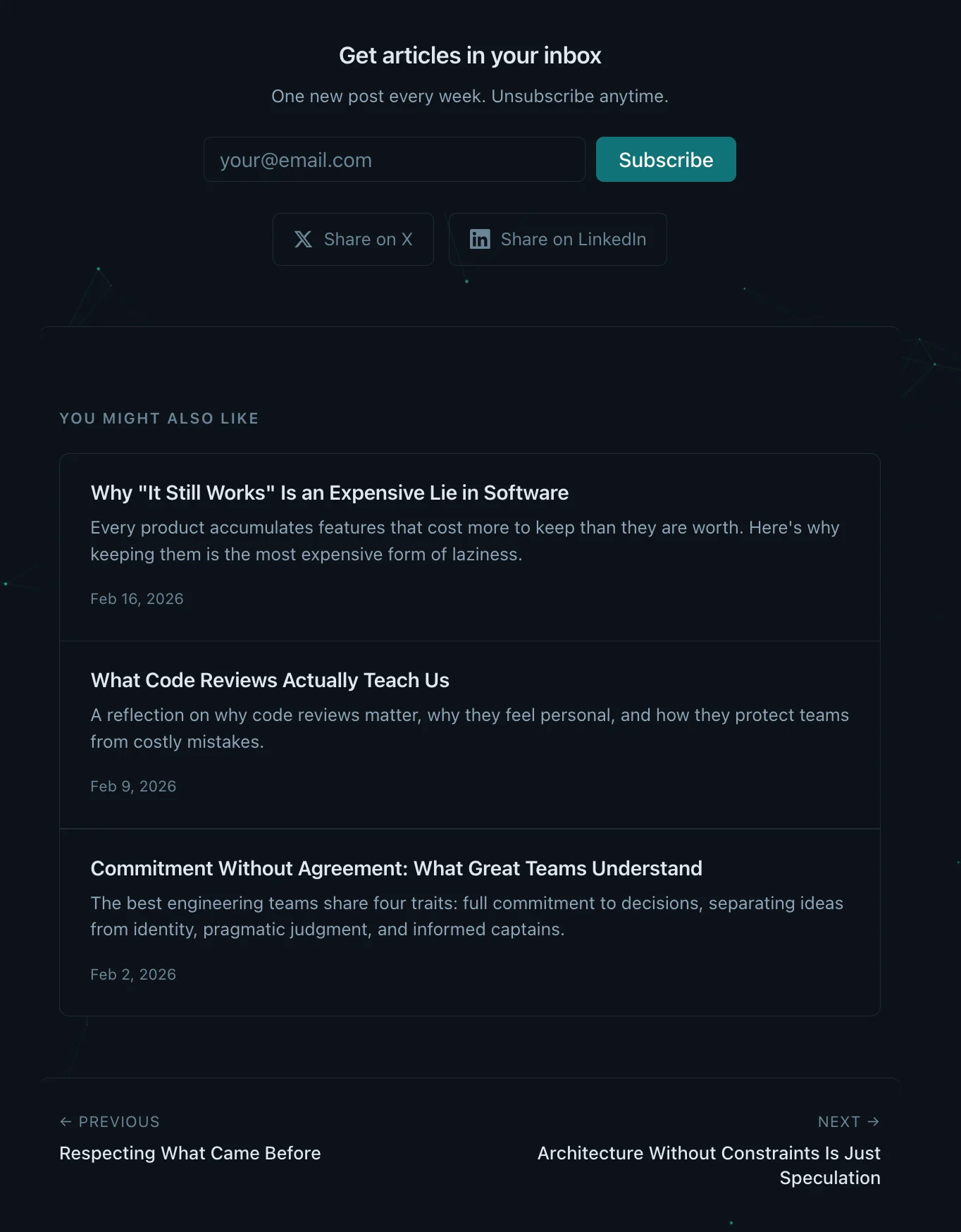
The CTA experience is now integrated into the reading flow instead of floating over it. Recommendations feel like a natural next step, not an interruption, which keeps the page focused while still nudging the next click.
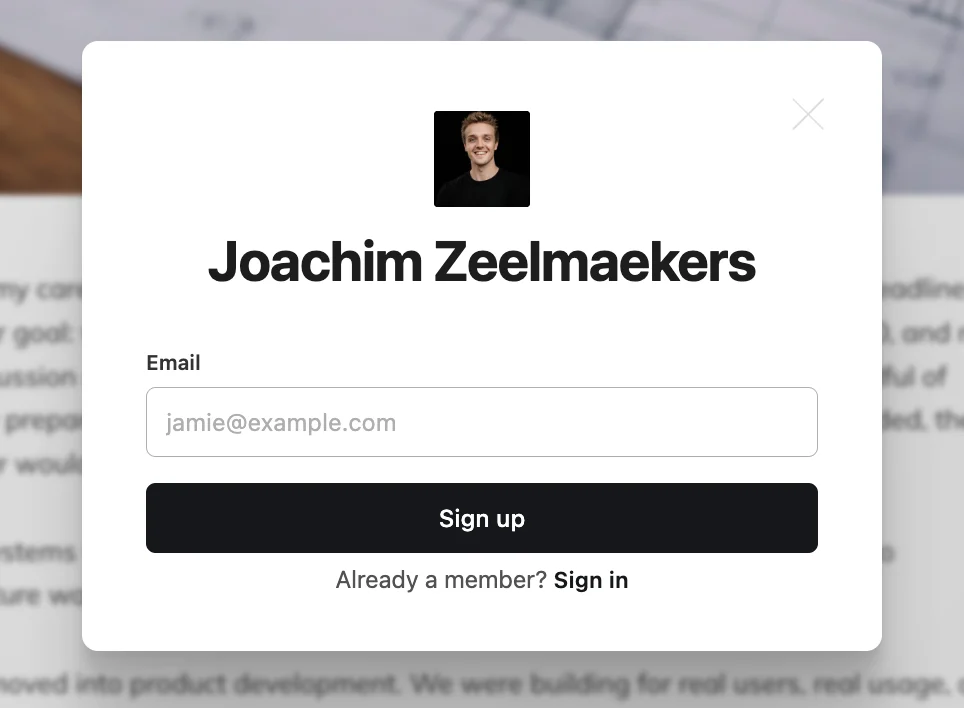
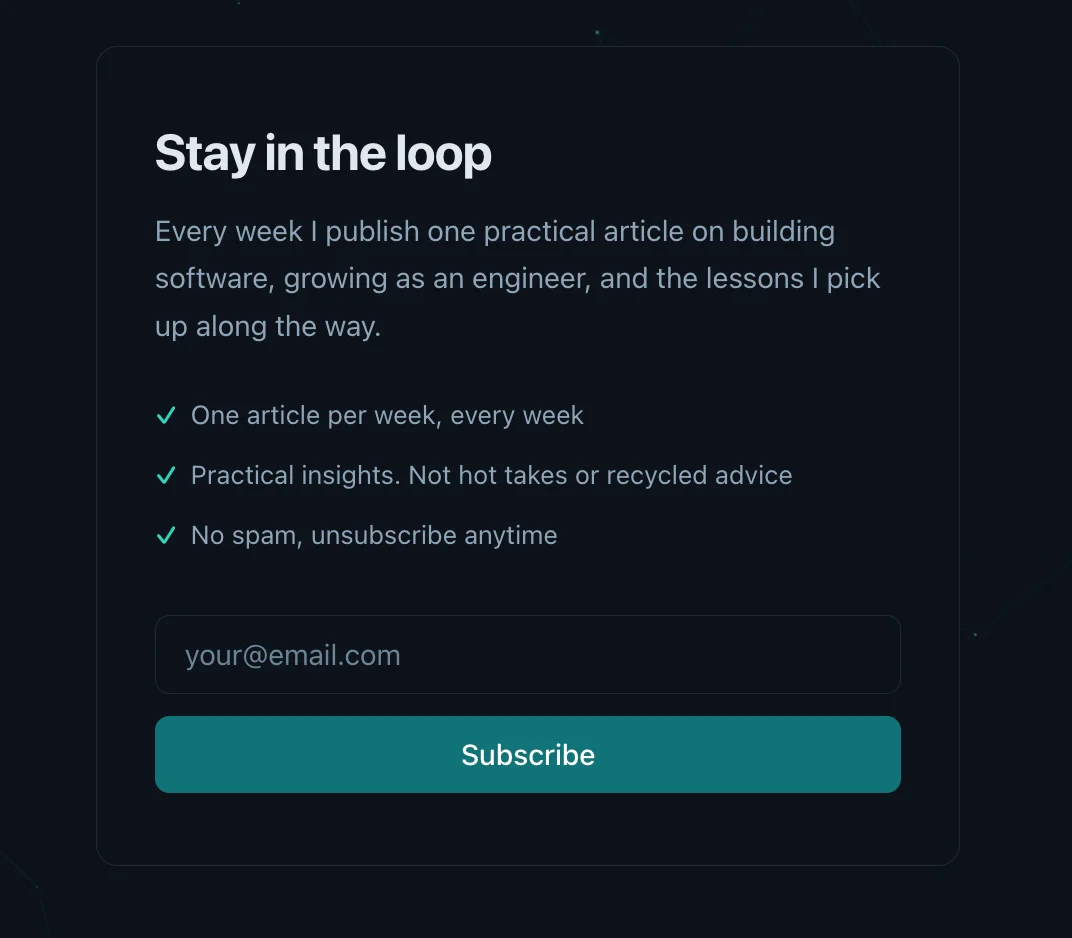
The newsletter now feels like part of the site, not a third-party embed. The form is lighter, the spacing is calmer, and the CTA matches the rest of the system, so it reads as an invitation rather than a modal ad.
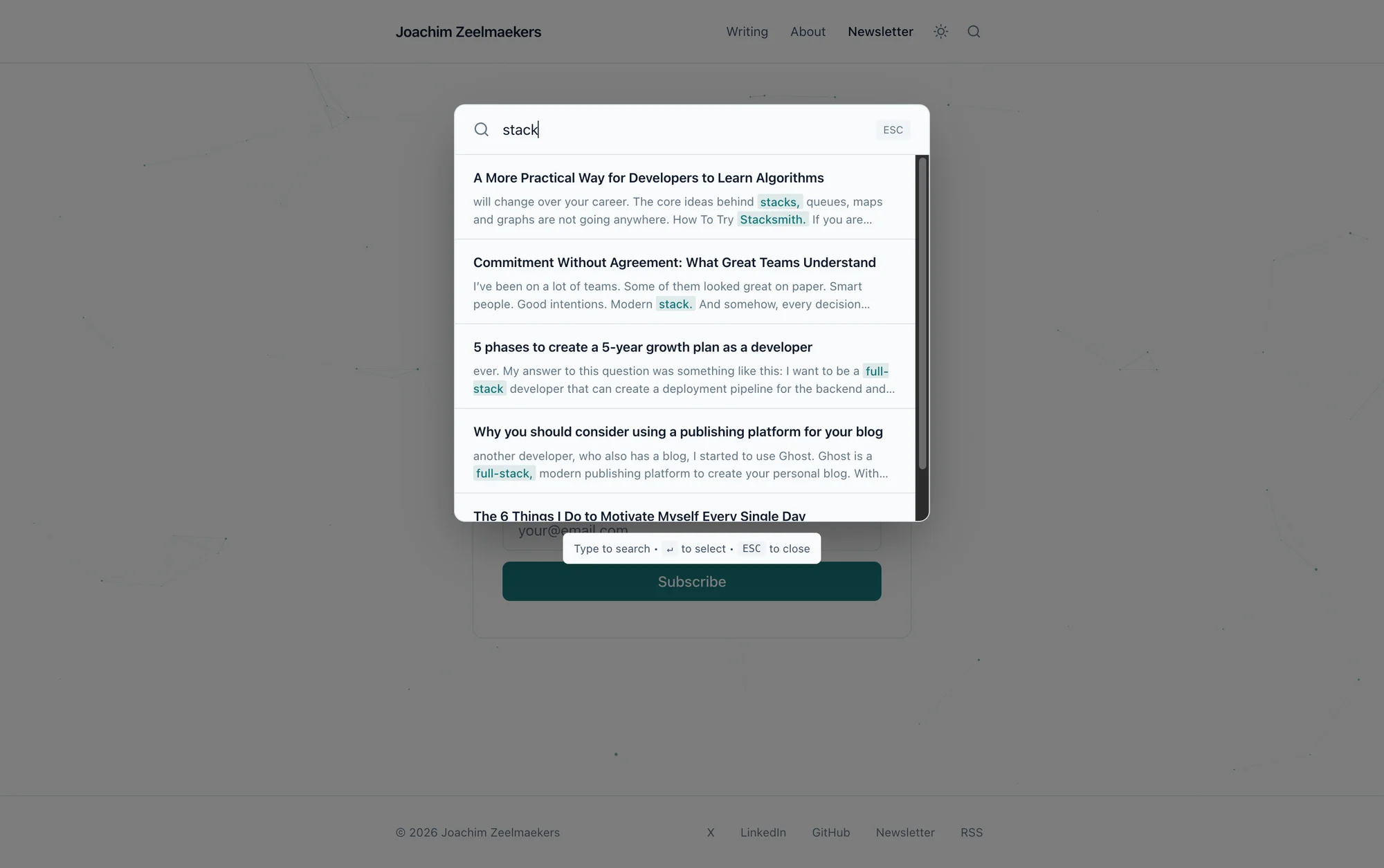
The benefit of building this site myself is being able to introduce more features to improve the experience:
- Search across every post (full text, fast).
- An About page that actually explains what I write about.
- Dark/light mode that preserves the brand tone.
- One-click code copy for snippets.
- Dedicated tag pages so topics are easy to follow.
- Posts grouped by year for quick scanning.
The Takeaway
If you are a developer blogging on a managed platform, ask yourself what you are getting in return for that convenience. If the answer is “less control and a monthly bill,” it might be time to build your own.
It does not need to be complicated. A static site generator, a CDN, and Markdown files will take you further than most platforms. And the process of building it will teach you more than any blog post about blogging ever could.
Including this one.